
Microsoft Power BI
Microsoft Corporation
Downloads
5,000,000+
Source
Google Play
Click to download now, finish the installation quickly, and directly unlock the all-round experience
Screenshots
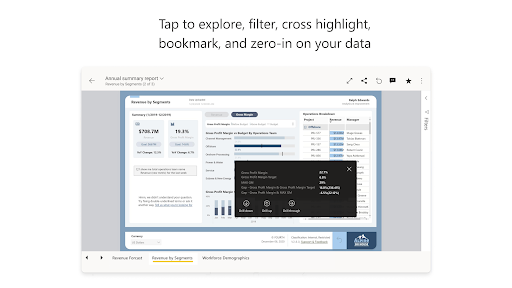
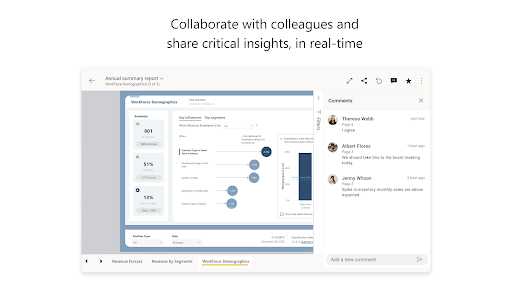
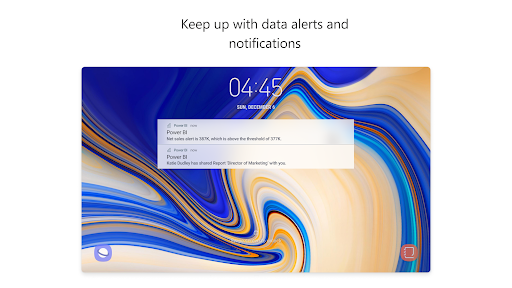
Click to download now, finish the installation quickly, and directly unlock the all-round experience
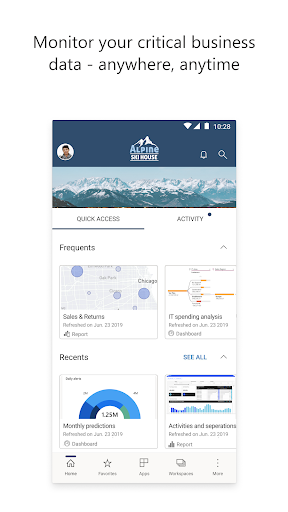
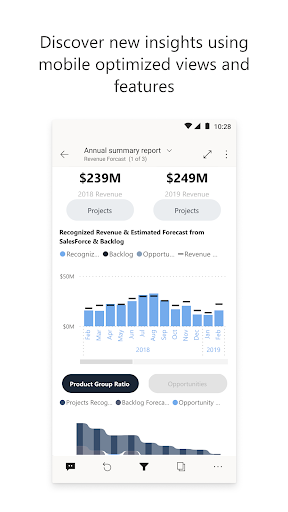
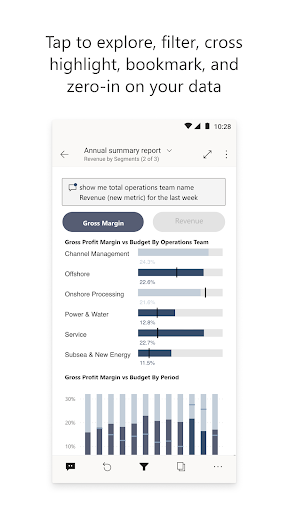
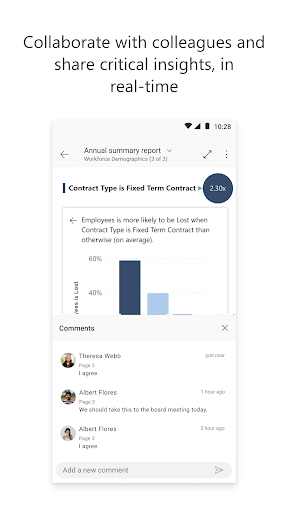
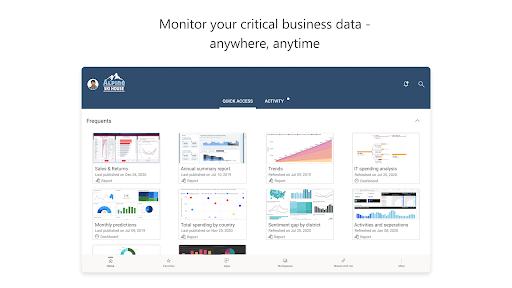
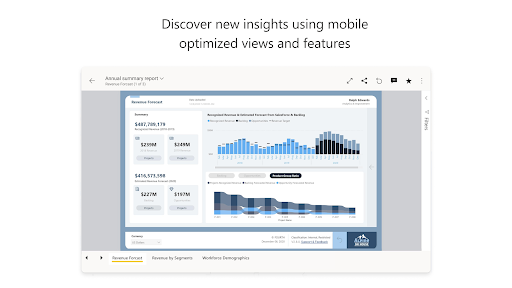
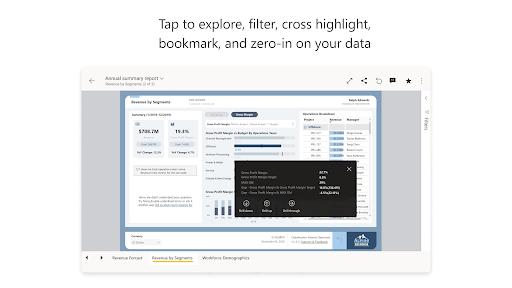
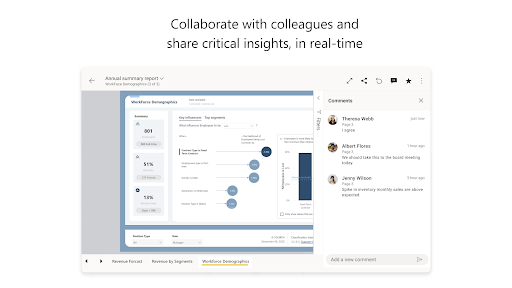
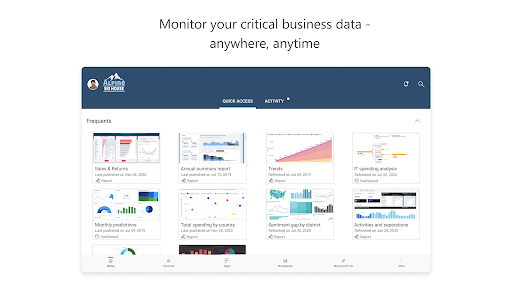
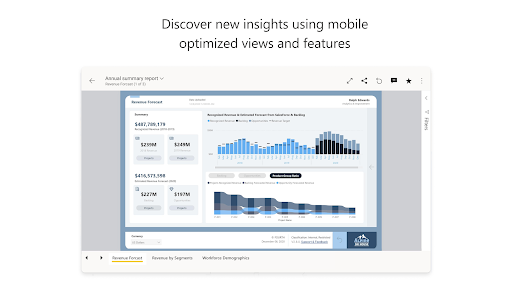
Microsoft Power BI is a business app for people who need to check company data and reports away from a desk. It brings Power BI reports and visualizations to an Android phone, where you can tap to explore, filter, and focus on the figures that matter. You can also annotate and share what you’re looking at, or scan a QR code to bring related data into view.
A spreadsheet can hold thousands of figures, but a chart or report gives them a shape you can read quickly. Think of it like looking at a map instead of a list of every street: the details are still there, but the picture helps you spot patterns. Power BI presents data visually so you can see comparisons or changes without inspecting every entry one by one.
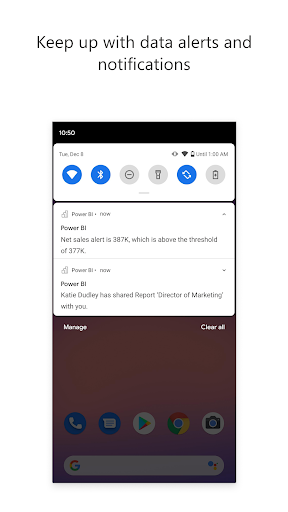
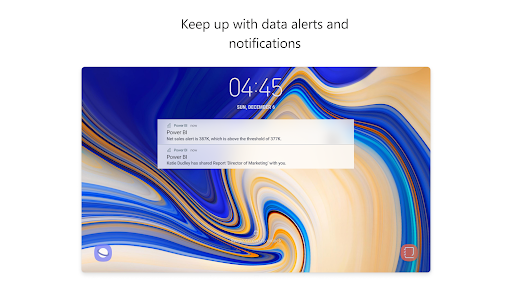
Tapping a filter is a little like using a sieve: it sets aside information that doesn’t match your question and leaves a smaller view to examine. That makes it easier to focus on a particular part of a report. You can also set data alerts, which work like a kitchen timer for a number: when the condition you care about is reached, the app can notify you. The alert helps you notice a change; it doesn’t explain by itself why the change happened.
The app can provide secure access to on-premises data, so information kept within an organization can still be available through Power BI. Its usefulness depends on having reports and data made available through the Power BI suite; it is not a substitute for understanding how those figures were collected or what they measure. Microsoft Corporation is the developer. The listing shows a 4.5 rating from about 75,858 ratings and more than 5 million installs.