Fotor–AI Photo Editor&Enhancer
AI Art Photo Editor | Everimaging Ltd.
Downloads
10,000,000+
Source
Google Play
Click to download now, finish the installation quickly, and directly unlock the all-round experience
Screenshots
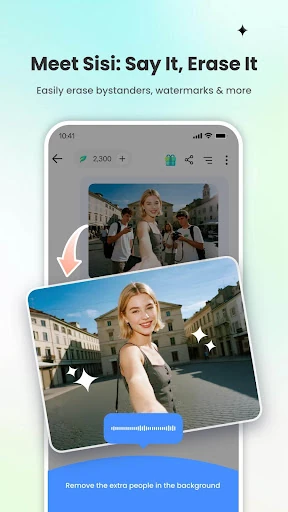
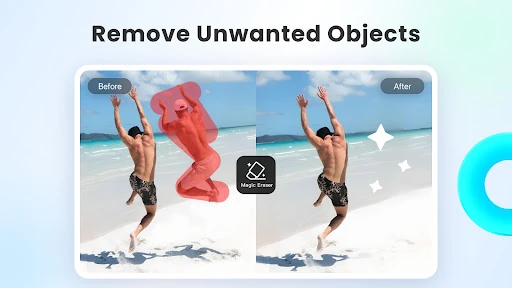
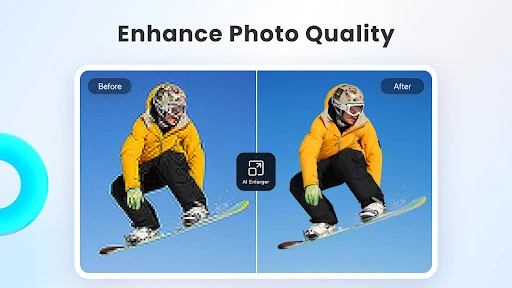
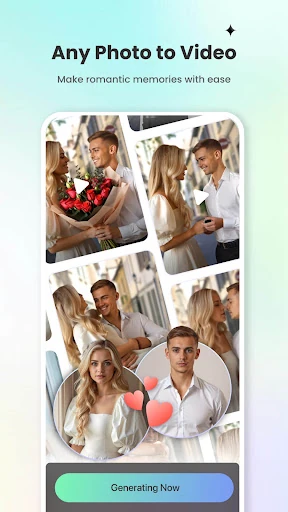
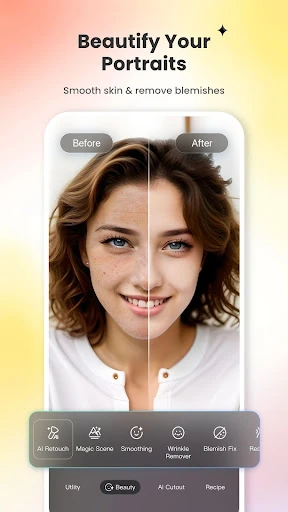
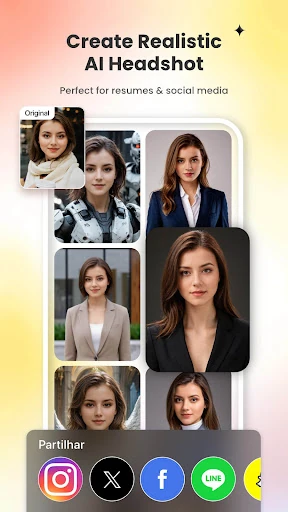
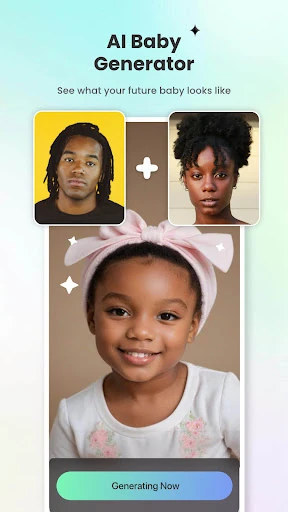
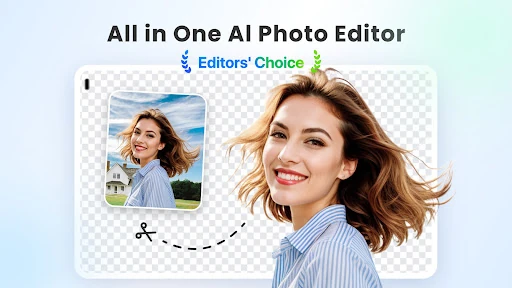
Click to download now, finish the installation quickly, and directly unlock the all-round experience
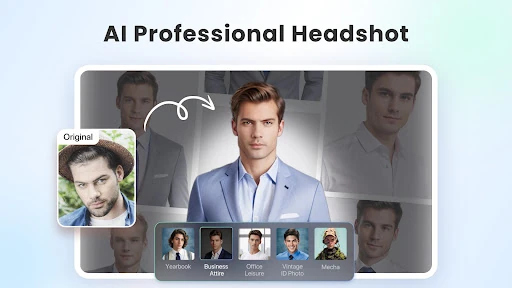
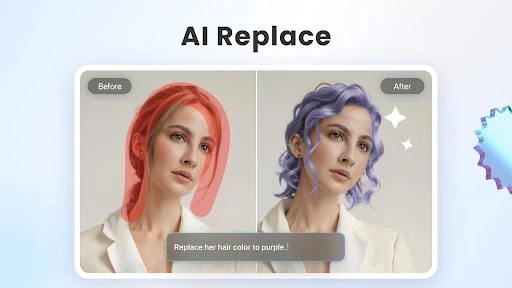
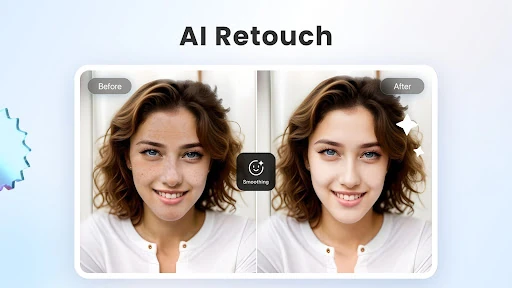
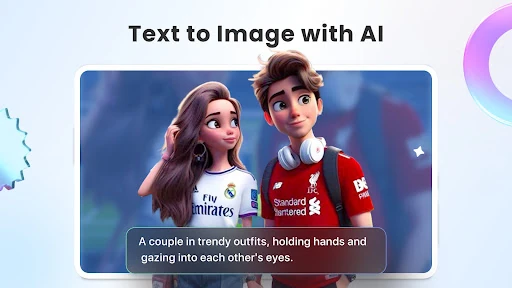
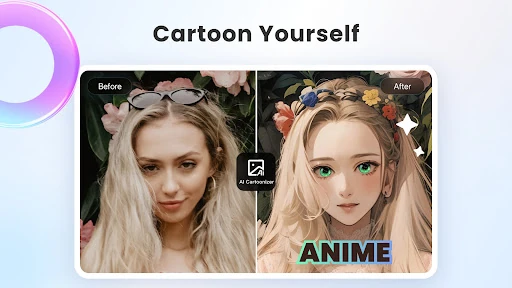
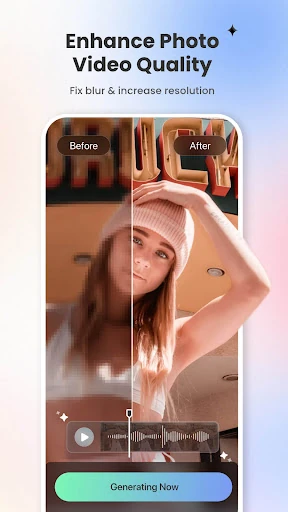
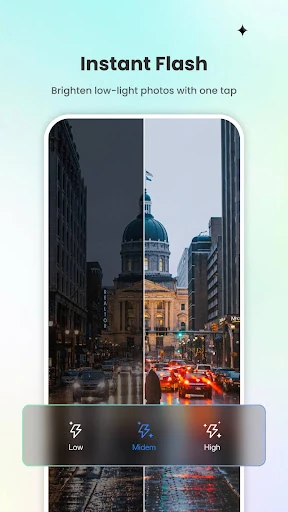
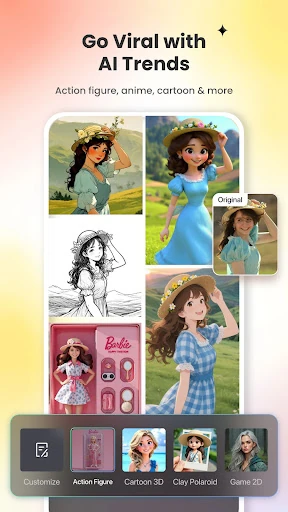
Fotor–AI Photo Editor&Enhancer is a photography app for people who want to improve pictures, remove distractions or create new images without needing to master a complicated editing desk. Alongside regular photo adjustments, it offers AI tools that can respond to written instructions, enhance images, erase unwanted objects and make portraits or generated visuals.
Think of editing a photo as touching up a printed picture, except the app can examine each small part before changing it. To enhance an image, it looks for patterns that often signal blur, noise or missing detail, then estimates how those areas might look clearer. When you ask it to remove something, it uses the surroundings to fill the gap, much like patching a torn spot in wallpaper by matching the pattern nearby.
That estimate is useful, but it is still an estimate. A cleaned-up background or sharpened face may look convincing without being an exact record of what was there. It is worth checking the result closely, especially if the picture needs to be accurate rather than simply pleasing.
Fotor also offers tools for creating portraits and images from text. The same broad idea applies: the app has learned visual patterns and uses them to produce a likely-looking result from your request. This suits casual editors who want to try several looks or make a polished image quickly. For a specific, exact result, a written prompt may need adjustment, and the output may not match every detail you imagined.
Fotor is published by AI Art Photo Editor | Everimaging Ltd. It has a 4.3-star rating from about 731,000 reviews and more than 10 million installs. Those figures suggest a large audience, but they do not tell you whether its particular style of automated editing will suit your photos. Treat AI changes as suggestions: compare them with the original and keep the version that serves your purpose.